RNG RollAttacks Links Hub
Official destinations plus a clean map back into the wiki.
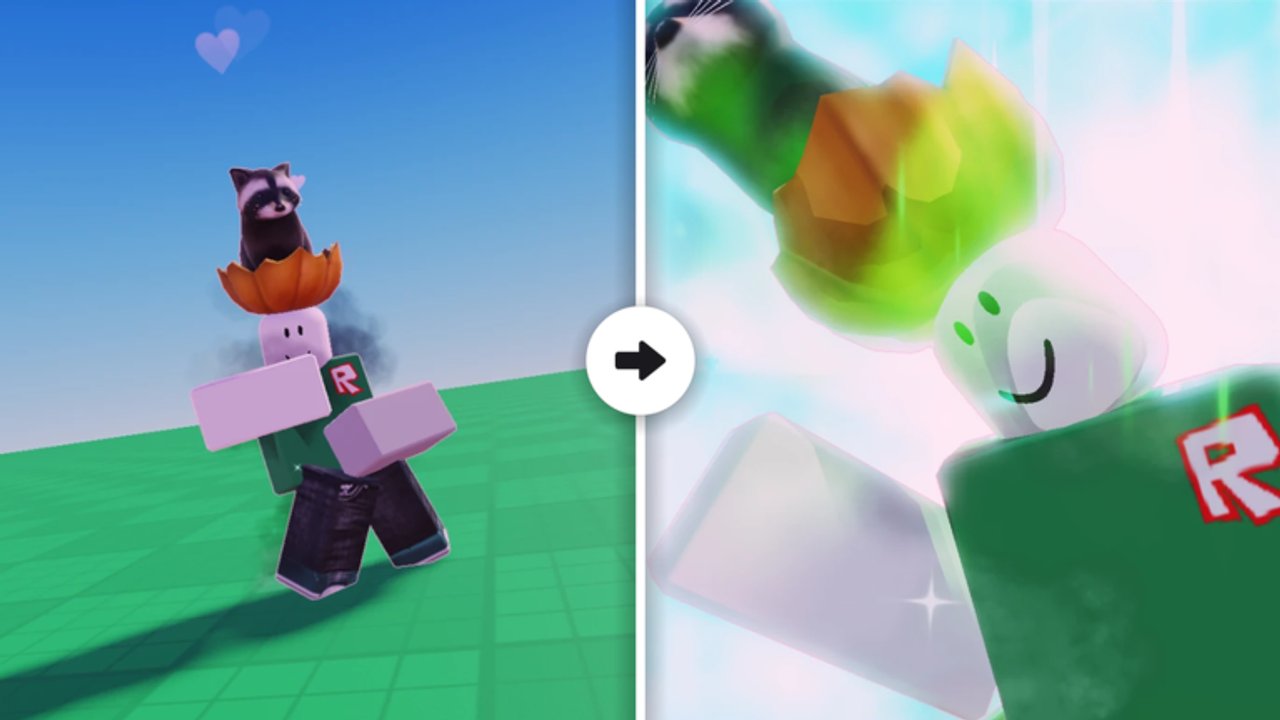
The Links Hub is the safe doorway for RNG RollAttacks on Roblox. When a friend drops a URL in chat, when a thumbnail screams “FREE ADMIN,” or when you simply need the official experience again, start here. This page collects the destinations that matter—Giggle Group Media’s live game, the community group, and the wiki routes that explain codes, guides, and updates—without inventing Discord invites, phishing mirrors, or fake partner sites.
RNG RollAttacks is a free-to-play Action / Battlegrounds experience (place 119338513416973, universe 10768634654) released 2026-09-29. Servers hold up to 23 players, the attack pool sits at 40+ abilities, and the Roblox page still warns about flashing images. Progress means luck, traits, quests, PvP, and badges from kill ladders through Storm Breaker. None of that requires clicking a random short link.
Official destinations first
Bookmark these before anything else:
- Play: RNG RollAttacks on Roblox
- Community group: Giggle Group Media community
114675122 - Verify how to trust URLs: Official Channels
If a site asks for your password, cookie, or “quick redeem bot,” close it. Promo redemption happens in the live client when codes exist—see Codes—not on lookalike web forms.
Wiki map from this hub
Use the Links Hub as a switchboard into the rest of the site:
Orientation
- Wiki Hub — full site map and writing rules
- Official Channels — how to verify Roblox and group links, avoid phishing
- Getting Started — day-one loop for new accounts
Progression and play
- Guides Hub — luck, money, rares, quests, combat, Wither Storm, controls
- How to Farm Money — income loops that fund luck
- How to Get Rare Attacks — hunt rules after luck is upgraded
- Codes — verified promo policy (empty list beats fake lists)
- Updates — (UPD NOW) tracking and monthly notes
Meta and tools
- Tier List — keep-versus-flex judgment
- Players — attacks, traits, badges
- Tools — Session Checklist
- Scripts — risk notes, no invented loadstrings
Legal pages stay English-only: Terms, Privacy, Cookies.
Why a Links Hub exists
Roblox discovery feeds, YouTube descriptions, and group shouts all compete for clicks. Scammers copy thumbnails, misspell experience names, and promise Owner Killer or Admin Killer macros. A dedicated links section does three jobs:
- Canonical URLs — one place that always points at the real place ID and group ID.
- Verification habits — teach players to read the numeric ID before they join.
- Wiki re-entry — after you confirm the game, send people into guides instead of leaving them on a blank social bio.
Deep verification steps, phishing patterns, and what we refuse to invent (including fake Discord servers) live on Official Channels. This hub stays the index.
How to use links after an update
When the Roblox title shows (UPD NOW)—still common into mid-November 2026—do this:
- Rejoin from the official experience link above so you pull the newest client.
- Skim November 2026 Notes and the parent Updates hub.
- Check Codes once; do not paste unverified strings from comment sections.
- Resume a planned grind with the Session Checklist and the Guides Hub.
Visits on the experience have climbed into the 724K+ range during research windows; popularity attracts more clone games and more spam. Slow clicks beat fast regrets.
What this hub will never list
- Invented Discord invites “for free luck”
- Third-party code generators that demand logins
- Executor download mirrors disguised as “official tools”
- Alternate place IDs that only look similar in a thumbnail
- Unverified partner giveaways that ask you to share passwords
If a destination cannot be tied to the Roblox experience page, the group 114675122, or a page already on this wiki, it does not belong here.
Suggested click path for newcomers
- Open the official Roblox experience and join once.
- Join or favorite the community group if you want shout visibility.
- Read Official Channels so future links feel obvious.
- Return to Wiki Hub or jump straight into Getting Started.
- Keep Codes and Updates bookmarked for patch nights.
The Links Hub is intentionally boring. Boring links are the ones that do not wipe your account. Play on the real servers, verify every new URL, and use the wiki map above whenever you need the next systems guide instead of another suspicious “FREE RARE” redirect.
Related pages
Frequently Asked Questions
Quick answers to the most common questions.
What is the official RNG RollAttacks game link?
Use the Roblox experience for place ID 119338513416973 (universe 10768634654). The Links Hub and Official Channels pages keep that destination bookmarked.
Where is the official group?
Giggle Group Media’s community group ID is 114675122 on Roblox. Prefer links that show that ID before joining shout or role channels.
Does this hub list Discord or free code sites?
Only destinations we can verify. We do not invent Discord invites or third-party redeem sites. Codes belong on the Codes hub after in-game checks.
Where should I go after confirming the real game?
Open the Wiki Hub or Getting Started, then use Guides, Codes, and Updates for progression. Official Channels explains how to keep verifying future links.
Why did you add a Links category?
So official URLs and phishing advice stay easy to find beside gameplay hubs, instead of burying safety notes inside unrelated guides.