RNG RollAttacks Player Tools
Checklists and trackers — no fake calculators.
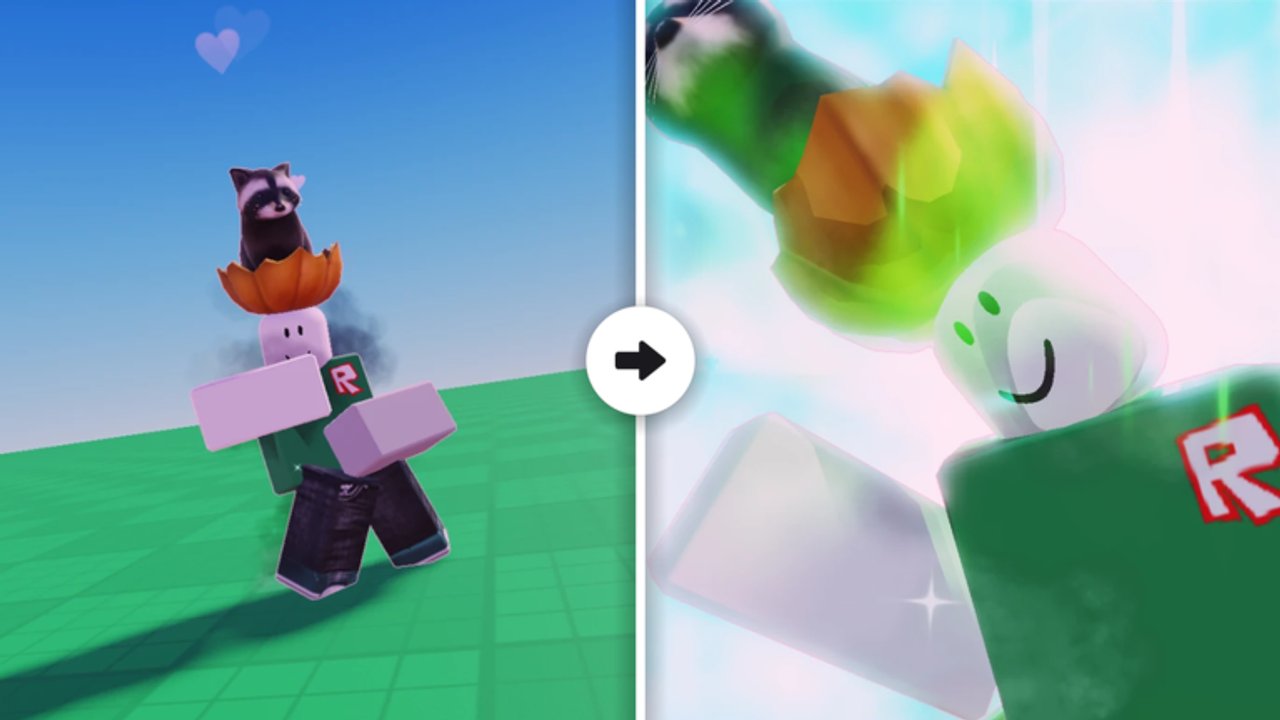
This Tools Hub collects practical helpers for RNG RollAttacks sessions: luck priority, quest timing, kill-badge tracking, and roll discipline. Nothing here is a fake damage calculator or an unverified pity formula. The goal is to keep your attention on decisions that actually move the account forward inside Giggle Group Media’s battlegrounds RNG loop.
Start with the printable-style Session Checklist before your next grind. Come back here when you want the philosophy behind each tool category.
What “tools” means on this wiki
Roblox RNG fighters tempt players with third-party overlays and executors. Our tools are different:
- Markdown checklists you can copy into notes apps
- Priority orders for when to spend luck boosts
- Trackers aligned to real badges and quest tiers
- Links into Guides, Codes, and Updates so the checklist stays current after patches
If a page ever claims exact drop rates without developer confirmation, treat it as speculative. RollAttacks advertises 40+ abilities, luck boosts, traits, quests, and PvP show-offs — not a public API for probability math.
Luck priority tool (mental model)
Luck boosts from codes, shop potions, or event gifts are perishable. Use this order when a boost is about to start:
- Clear blocking quests that need rolls or specific attack types so objectives finish inside the window
- Roll with intent toward gaps in your attack kit (crowd control, mobility, time-stop style ultimates) instead of spam-rolling while alt-tabbed
- Enter contested PvP only if your goal is rare show-off clips or Owner/Admin Killer attempts — not while a short boost is burning idle
- Bank leftovers only if the game lets boosts pause; otherwise schedule a full block in the Session Checklist
Never pop every consumable at once “for fun” on a dead server. Join a healthy instance (up to 23 players) when interaction matters, or a quieter one when you need clean roll focus.
Quest timer habits
Quest badges ladder from Quest Learner (5) through Pro (25), Hacker (50), and Master (100). Treat quests as a daily or session timer:
- At session start, list active quests and estimate minutes each needs
- Pair kill quests with natural PvP instead of pad farming that tanks your fun
- Finish short quests before long ones so badge ticks arrive earlier
- After an “(UPD NOW)” patch, re-read objectives — developers often refresh quest tables
A simple phone timer or notes checklist beats a shady “auto quest” script. See Scripts Hub for why automation is a bad trade.
Kill badge trackers
Official kill badges step through 100, 500, 1,000, 2,500, 5,000, 10,000, and 25,000 kills. Storm Breaker sits apart: defeat THE WITHER STORM. Owner Killer and Admin Killer are secret-style flex badges.
Practical tracker columns you can keep in a note:
- Current kill count (from your own tally if the HUD lacks a precise number)
- Next badge threshold and kills remaining
- Session kills target (for example +50) so you stop tilting past the plan
- Whether tonight is a Wither Storm attempt or a pure roll night
Update the note when you finish. The tracker’s job is to prevent aimless hours that produce neither badges nor better attacks.
Roll discipline checklist (summary)
Deep steps live on the Session Checklist page. The short version:
- Decide the session goal (kit upgrade, quest stack, badge rung, or boss attempt)
- Redeem any new codes first, then activate boosts only when rolling starts
- Cap the session length; flashing images make long marathons harder on some players
- End with inventory cleanup and a one-line note for next time
Discipline is a tool. It costs nothing and survives every balance patch.
What we will not ship
- Fake DPS calculators with made-up coefficients
- “Guaranteed legendary in N rolls” widgets without evidence
- Executor-based auto farmers
- Spreadsheet downloads packed with macros from unknown authors
When the community discovers stable, developer-visible stats worth charting, we will document them in guides — not as clickbait tools.
Related pages
- Session Checklist — full printable flow
- Codes Hub and How to Redeem Codes
- Guides Hub and Getting Started
- Updates Hub — change your checklist after patches
- Wiki overview — complete site map
Use these tools to make every server hop intentional. RNG already supplies chaos; your prep should not.
Frequently Asked Questions
Quick answers to the most common questions.
Are these tools in-game items?
No. They are wiki checklists and tracking habits you run alongside RNG RollAttacks. They do not require executors.
Is there a damage or luck calculator?
Not on this hub. We avoid fake calculators without confirmed formulas. Focus on session priority and badge tracking instead.
Which tool should I open first?
The Session Checklist. It bundles luck priority, quest timing, and kill-badge targets into one pre-game flow.
Do tools replace guides?
No. Tools structure a session; guides teach mechanics. Use both with Updates when the meta shifts.